St Helens Photographs
Forum rules
Please do not quote full posts in replies.
Please do not quote full posts in replies.
-
Dave

- Site Admin
- Posts: 1144
- Joined: Tue Feb 04, 2025 10:23 pm
- Location: St Helens
- Has thanked: 22 times
- Been thanked: 57 times
Re: St Helens Photographs
It wasn't all that long ago when it was easy to link in images from anywhere: news websites, BBC, or anywhere really, but then they realised that people were leeching their bandwidth on a huge scale, so then they used strategies to thwart that. Once upon a time you could link in pictures from Facebook, but they were among the first to prevent that; they were the ones the others copied. The old free photo-hosting sites like Photobucket went the way of the dinosaur, others in between, and now IMGUR. At one time I used to allow uploads onto the forums or websites, but that can quickly get out of hand and you end up with thousands of images taking up space that nobody ever looks at. It has all turned to – if you'll excuse the expression – shit. By some miracle IMGUR and the UK regime might come to an agreement because nothing indicates that it is a permanent state of affairs. We'll see.
Dave
-
Dave
- Site Admin
- Posts: 1144
- Joined: Tue Feb 04, 2025 10:23 pm
- Location: St Helens
- Has thanked: 22 times
- Been thanked: 57 times
Re: St Helens Photographs
Here's something to allow people to post pictures they have stored in Dropbox.
Grab the share url, then simply put it in the IMG tags.
Or make sure that you're in the full editor mode, paste the link, then highlight and click the insert image icon before you post.
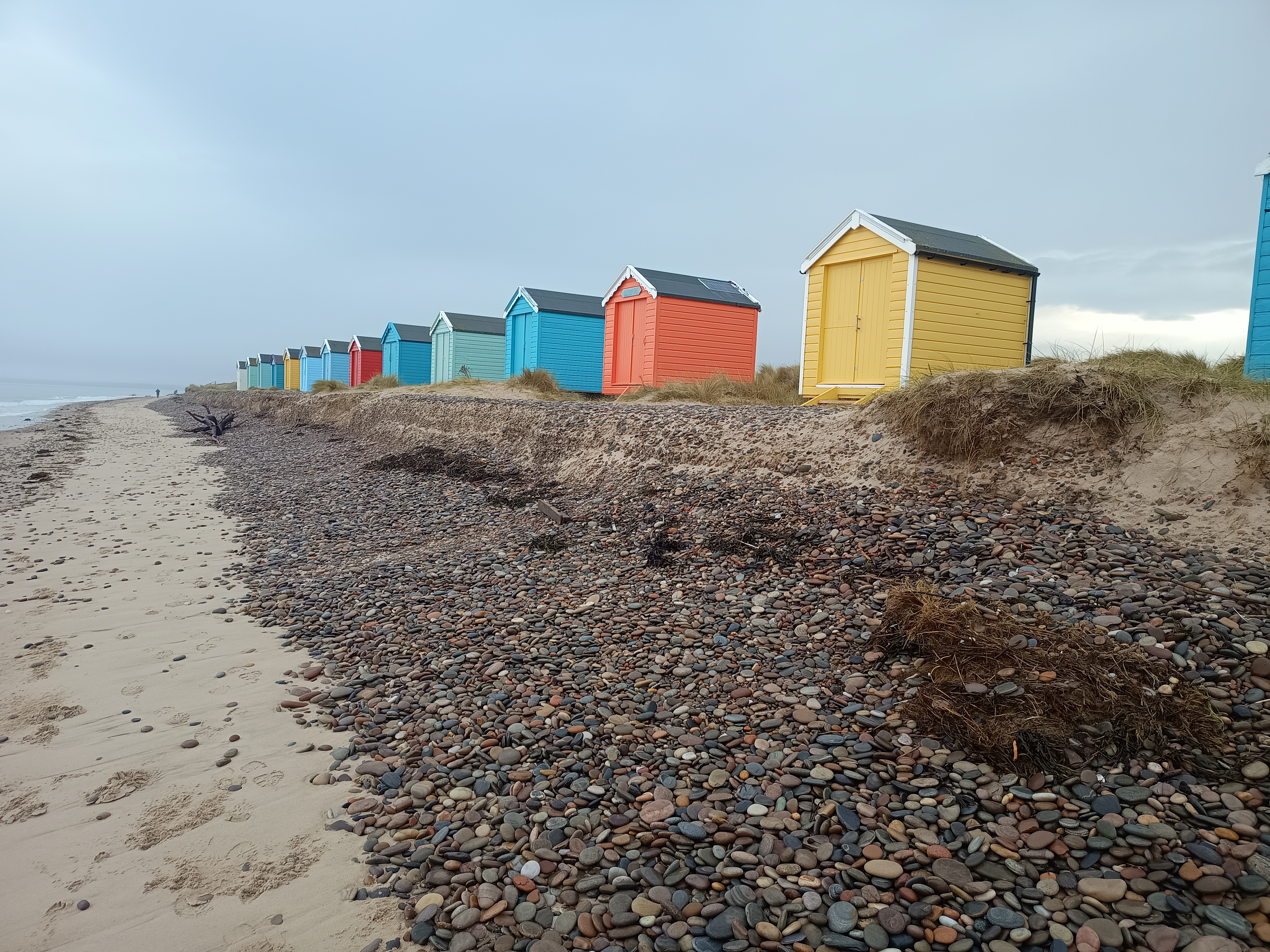
Grab the share url, then simply put it in the IMG tags.
Or make sure that you're in the full editor mode, paste the link, then highlight and click the insert image icon before you post.
Dave